Welcome — set up MusicianOS
Install the app, set your name, bring in your first songs, and take the tour — start here, whatever plan you're on.
Whatever plan you land on — Free, Plus, Pro, or the Pro+ preview — you start the same way. Four steps and you're gig-ready.
1 · Install & open
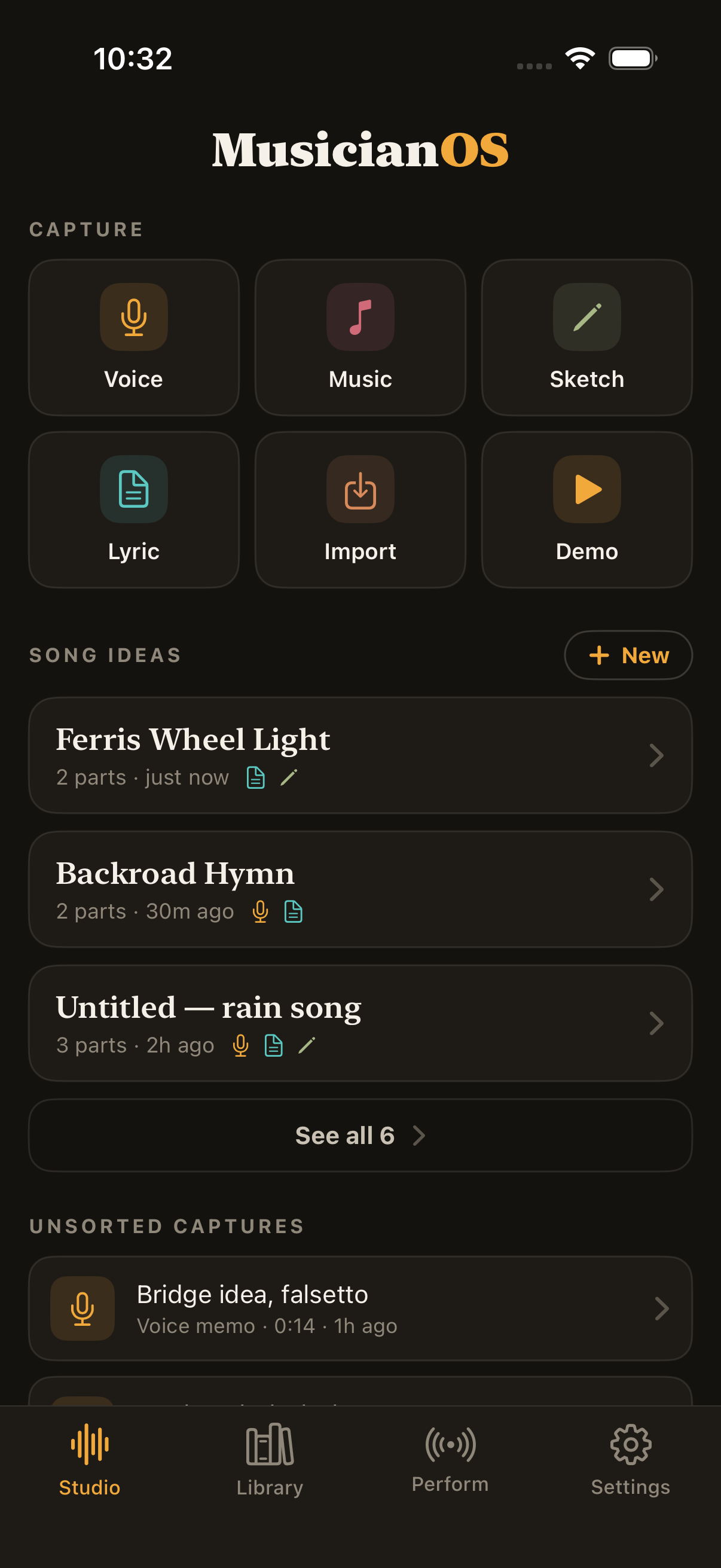
Download MusicianOS free from the App Store and open it — it lands on Studio, your capture home (you can pick a different opening screen later in Settings). Your first launch includes a sample song, setlist, gig, and layered demo plus a quick welcome tour, so every screen has something real on it before you've added a note of your own.
2 · Set your name
Open Settings → Account and add Your name. It's how bandmates and anyone you share a song with will see you. See .
3 · Bring in your first songs
Type one from scratch, paste a chart, import a file, scan a paper chart, or bring in a whole songbook or library at once — nothing here is ever paywalled. See and .
4 · Take the five-tab tour
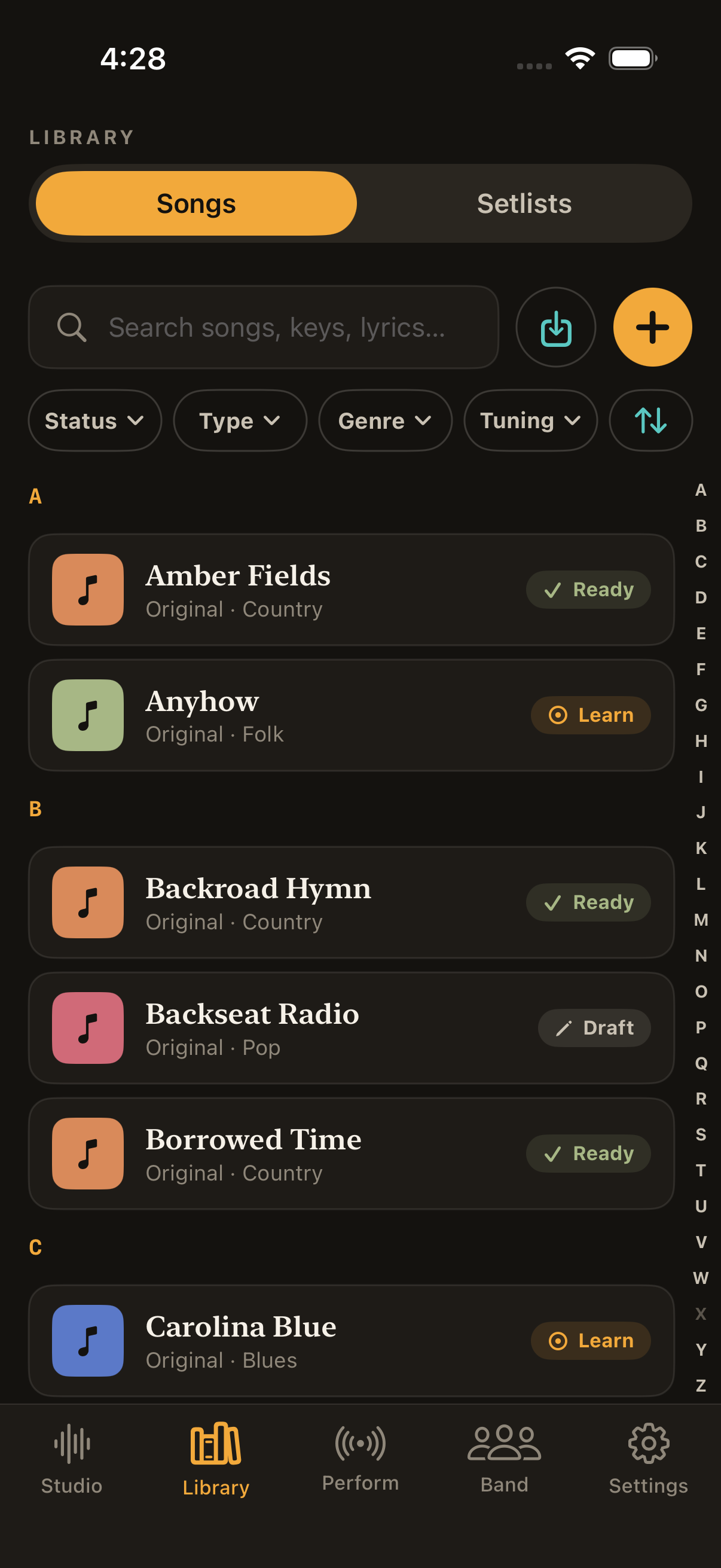
- — capture voice, music, lyrics, and sketches; work your song ideas.
- — every song and setlist you have, always searchable.
- — the stage reader, gigs, and setlists.
- — a shared library with your bandmates (Pro).
- — tools, your account, and your plan.
Free already includes unlimited Perform mode, tuner, metronome, and every import method — there's nothing to buy to get started. See when you're ready to grow.